Two journeys: running your gym as an admin, and being a member. Real screens, real product.
What a GymAux admin does — on the web, step by step.
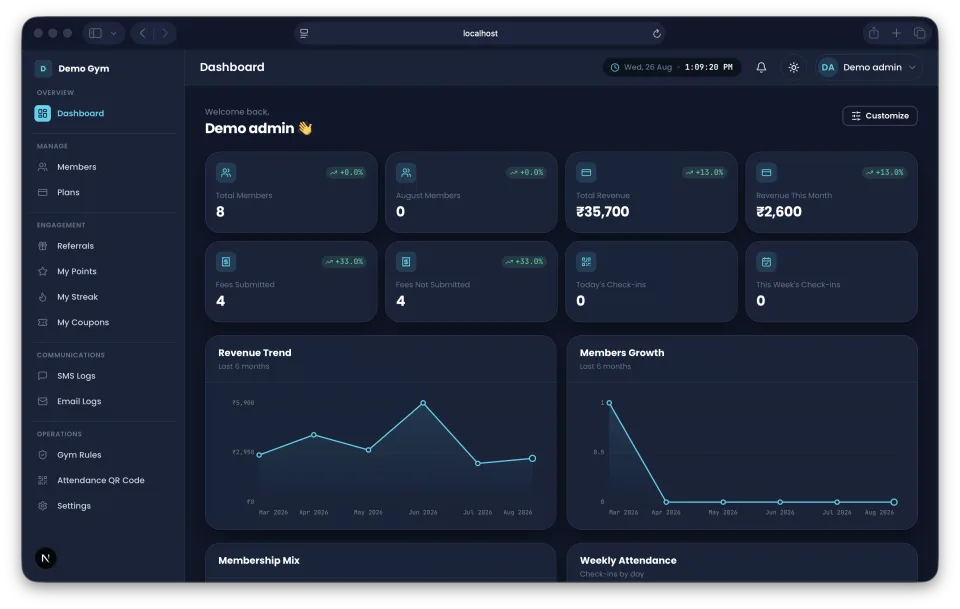
Revenue trends, member growth, and today's snapshot in one place.
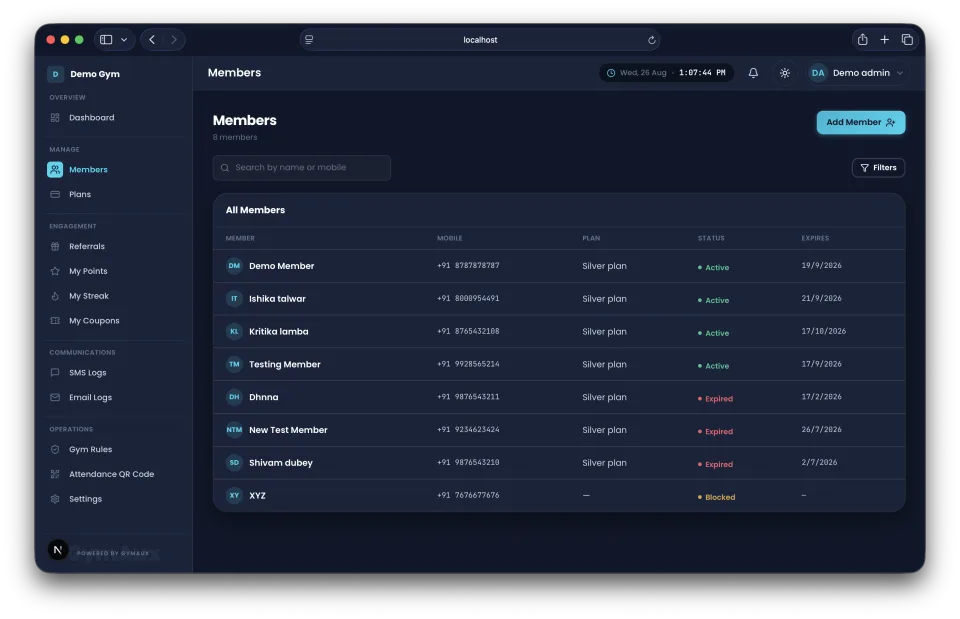
Your full roster with membership status at a glance.
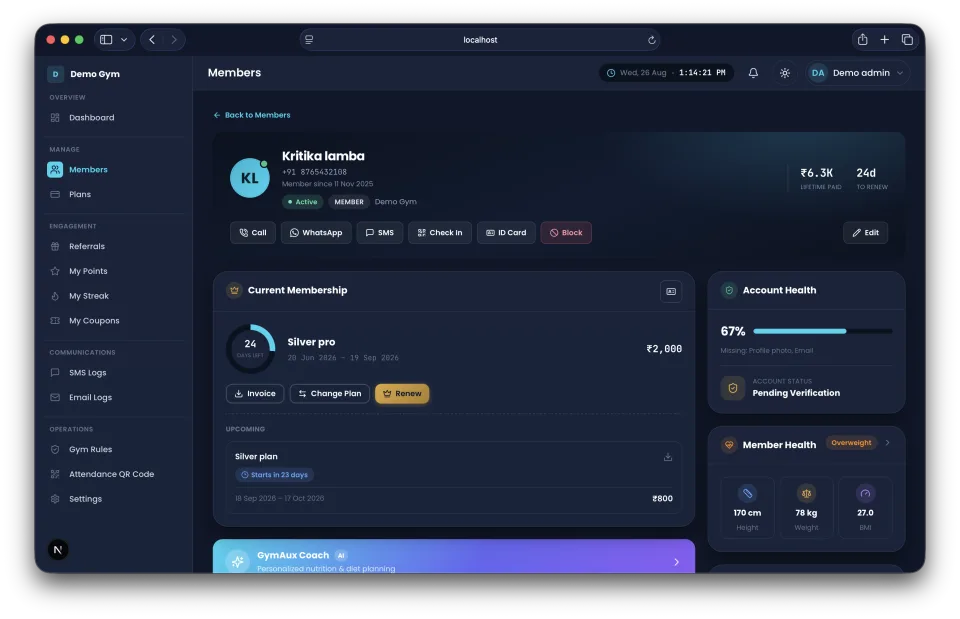
Full history, plan, and details for any member.
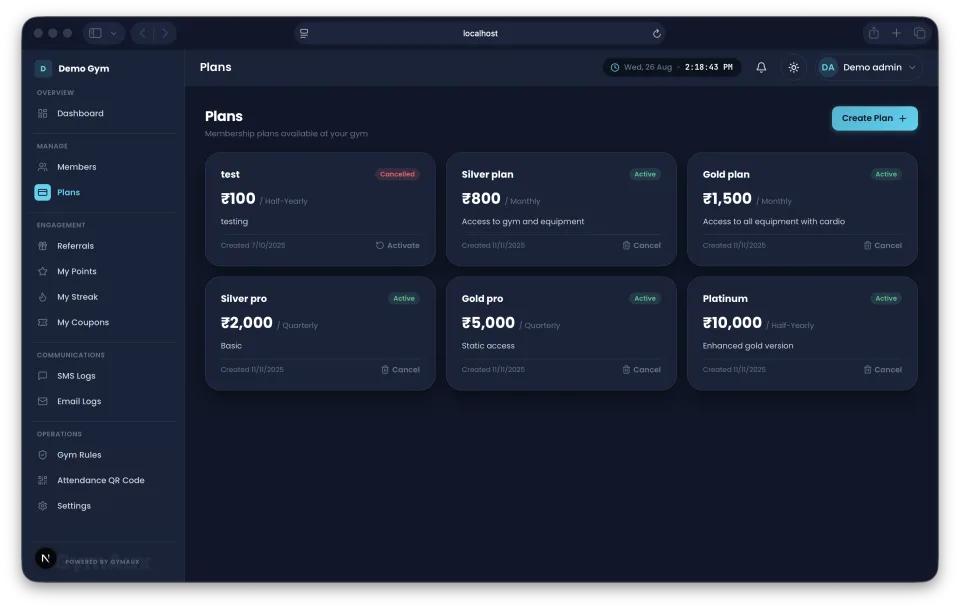
Set the plans and pricing your gym offers.
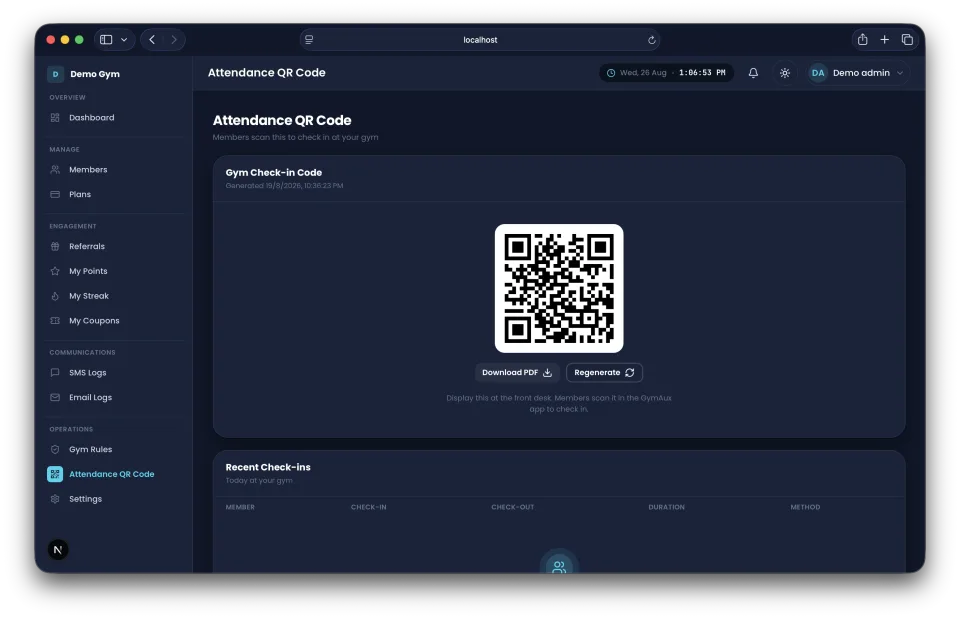
Print or display it — members self check-in from here on.
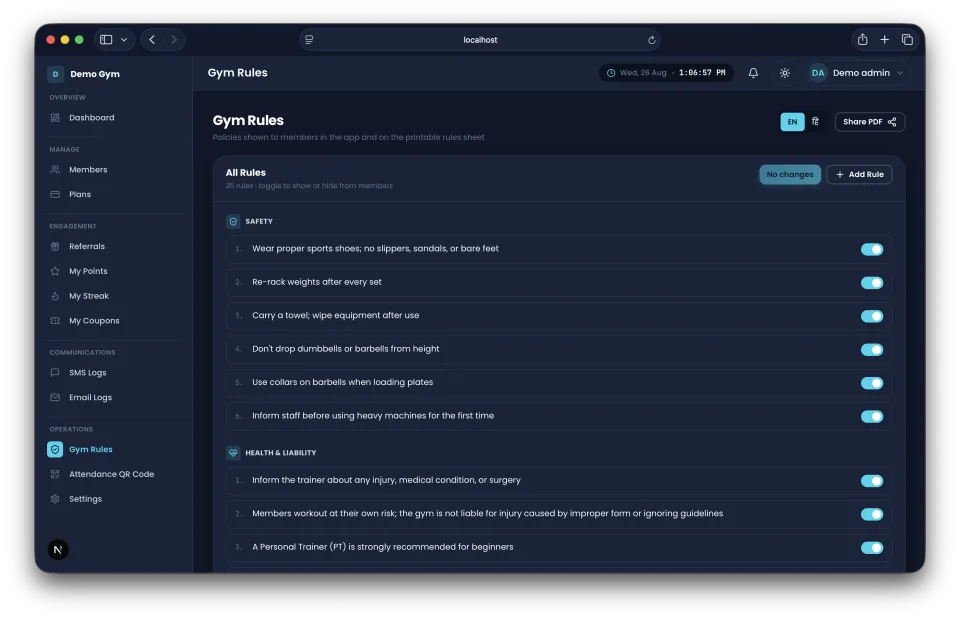
Published straight to every member's app.
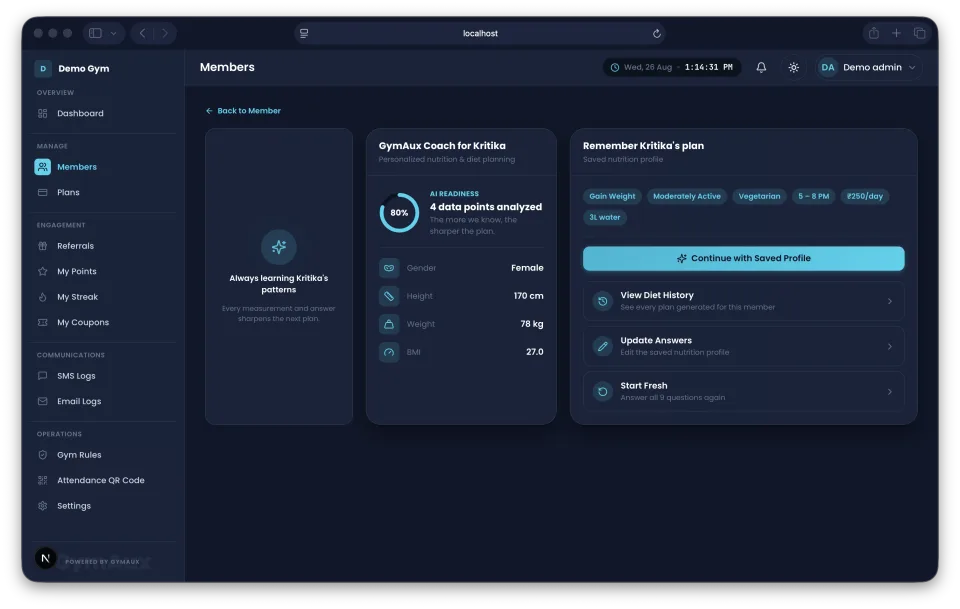
Generate a personalized diet plan for a member in seconds.
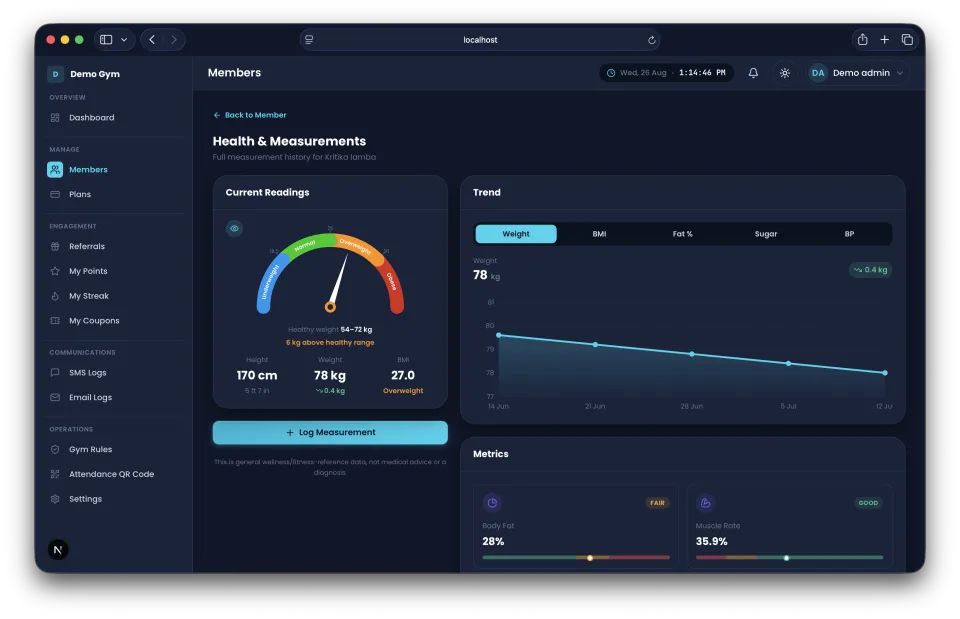
Weight, BMI, and body composition tracked over time.
Add the products your gym sells with their unit and price, and record stock as it comes in.
Add several items for a member in one sale and get an invoice for it.
Every sale with its buyer and items, and a one-tap invoice download.
Record each expense with a category and a description.
Membership and product revenue against your expenses, month by month, in your gym's own time zone.
Create their accounts and choose exactly what each of them is allowed to do.
Give a member a personal-training period with a start date and duration. Renewals continue from the current end date.
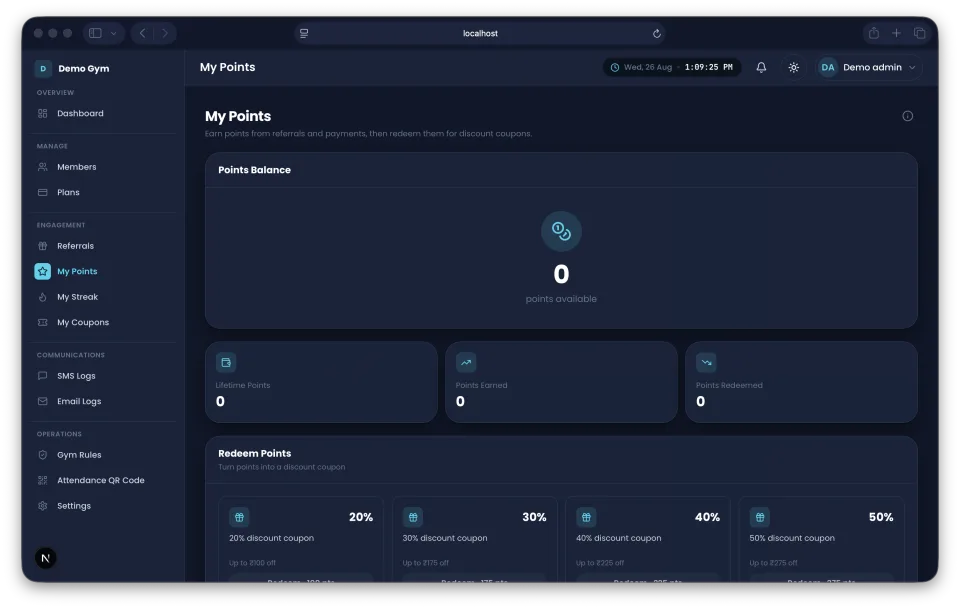
Points on every subscription payment, redeemable for coupons.
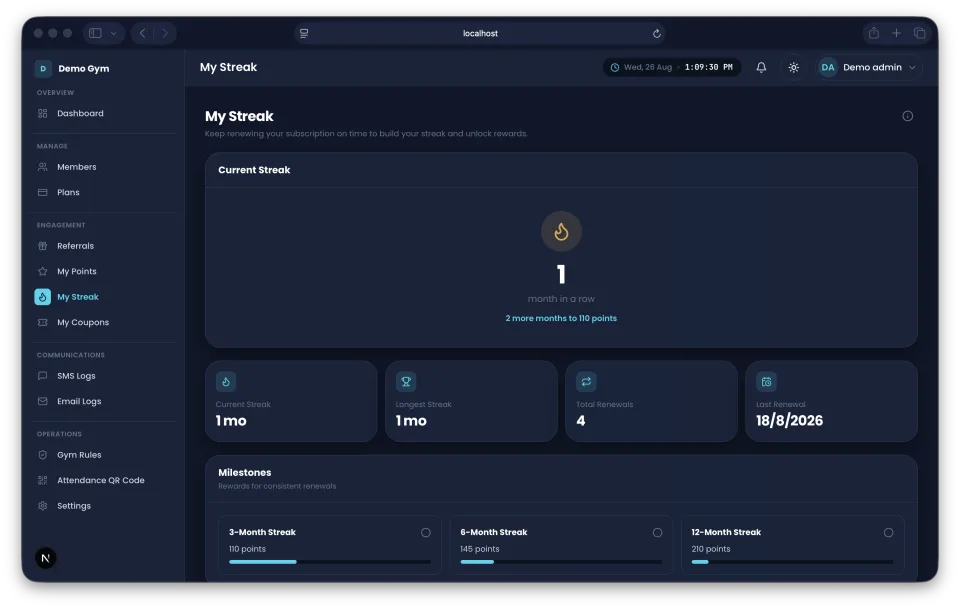
Stay subscribed for 3, 6 and 12 months to earn bonus points.
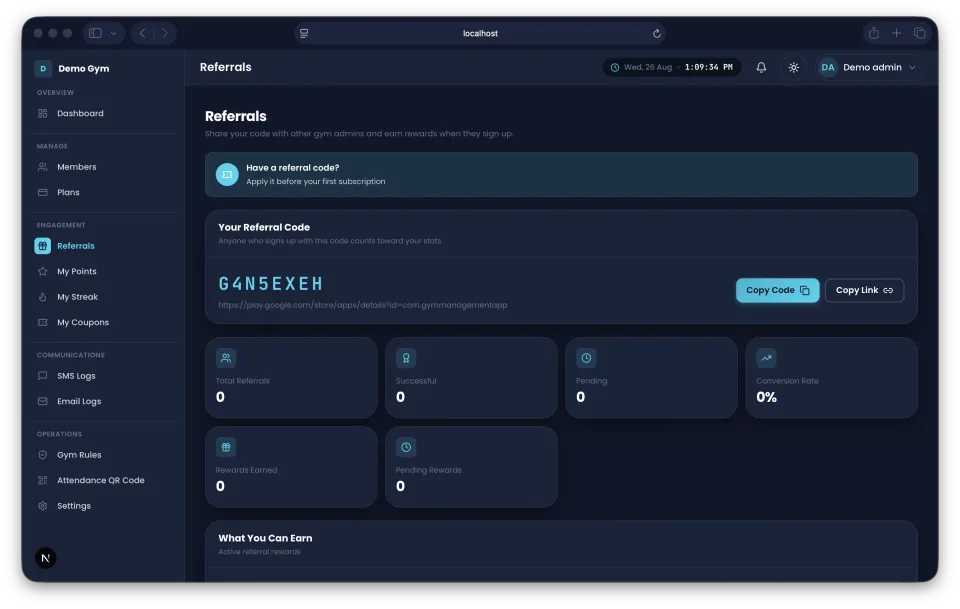
Share your referral code and earn rewards when they subscribe.
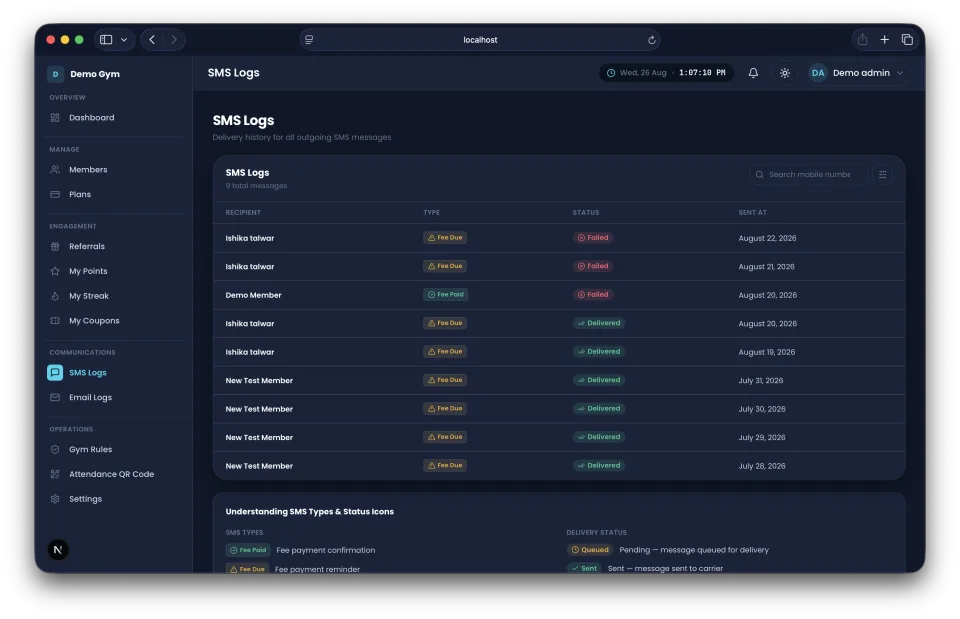
Every automated text your gym has sent.
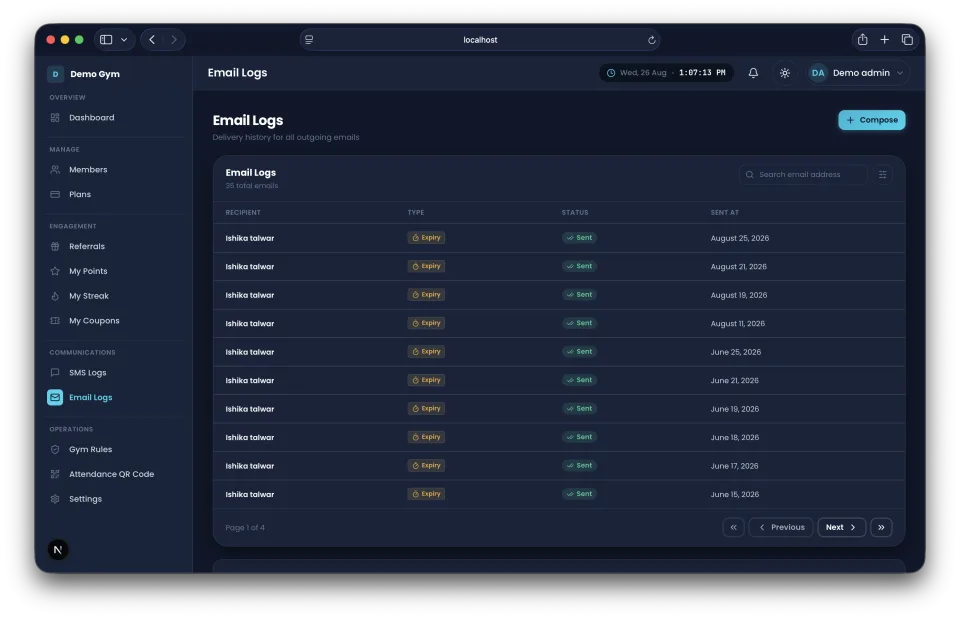
Every automated email your gym has sent.
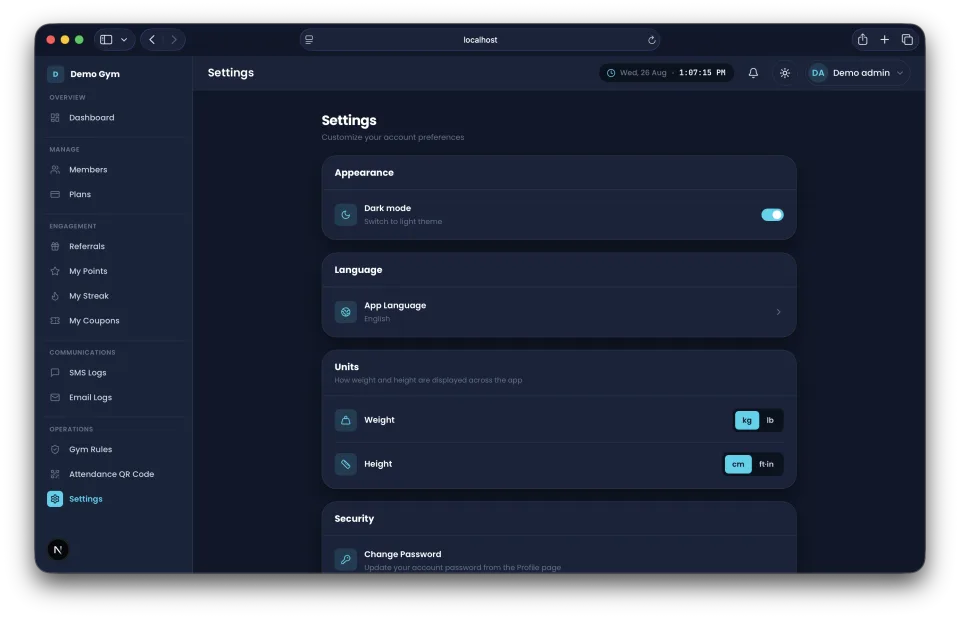
Configure your gym's account and preferences.
The same admin tools, in the GymAux mobile app.
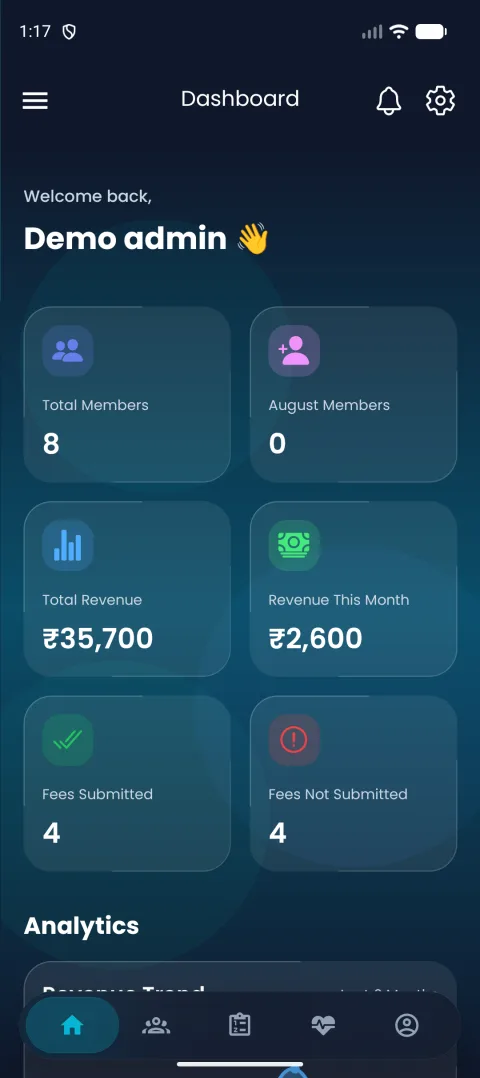
Your gym's snapshot, wherever you are.
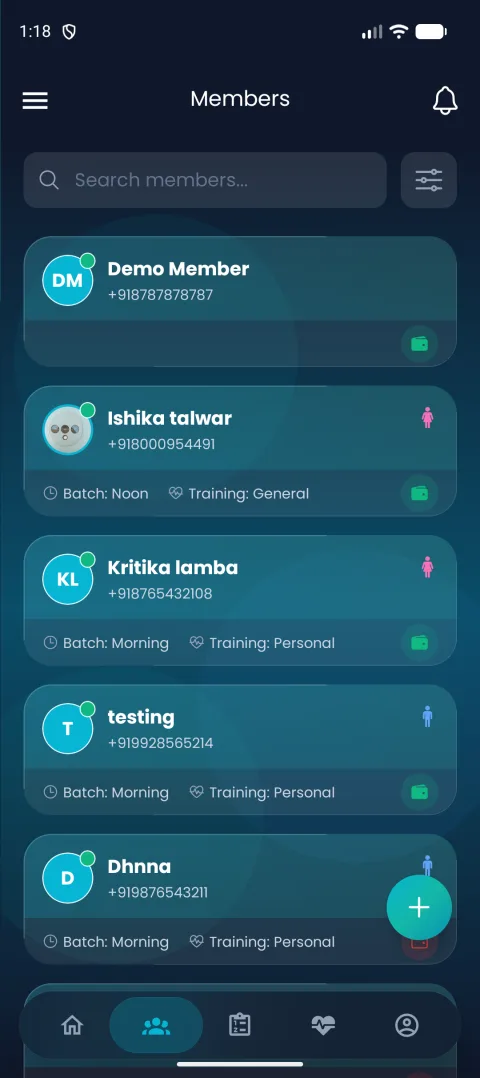
Browse your roster on the go.
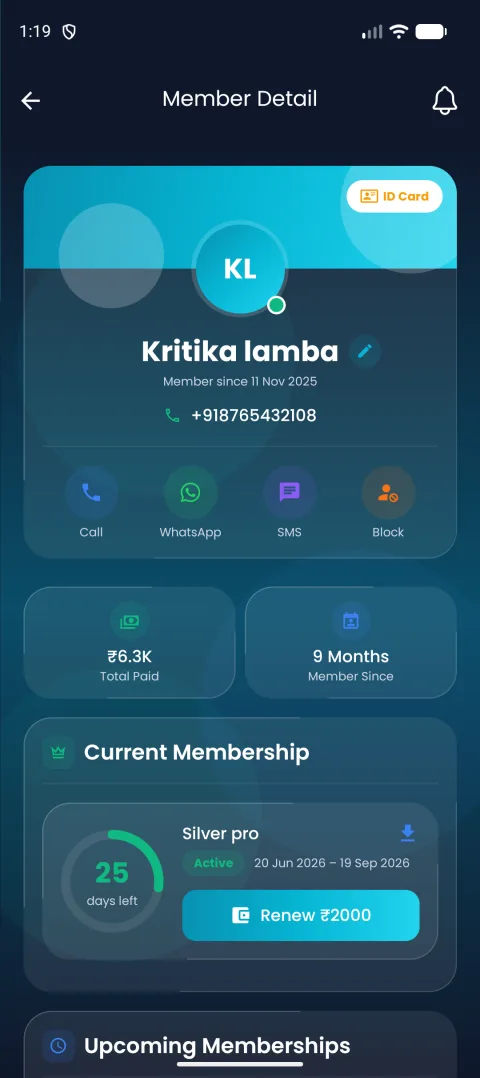
Full detail view, no laptop required.
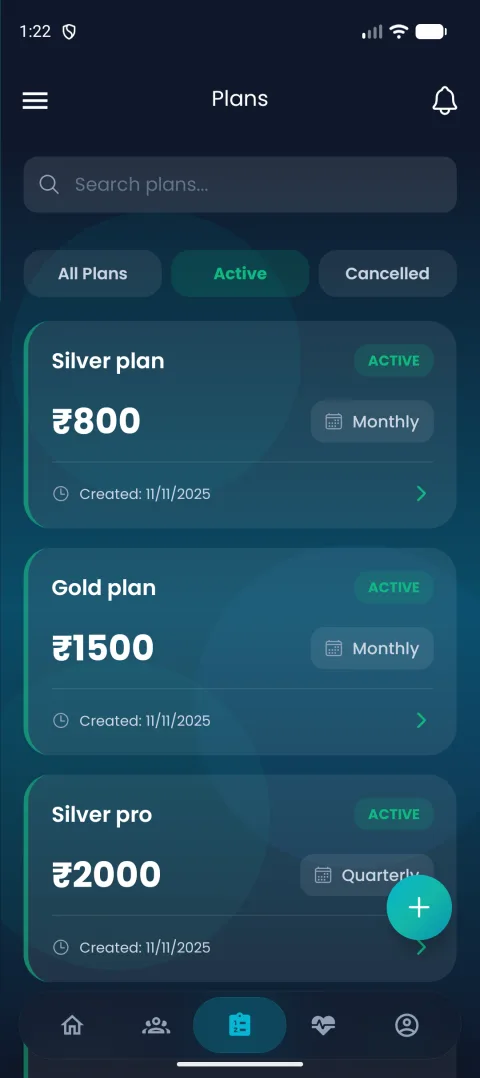
Check or update plans from anywhere.
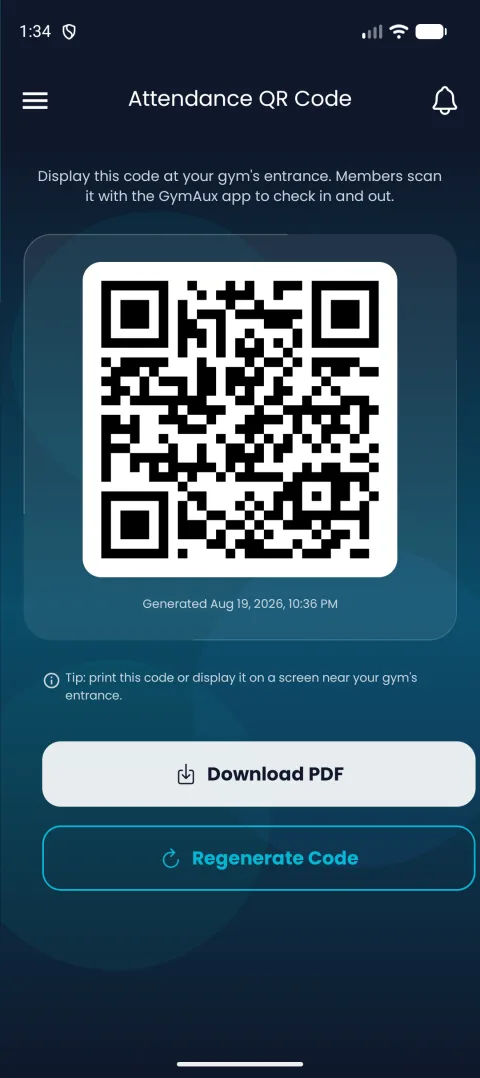
Display your check-in code from your phone.
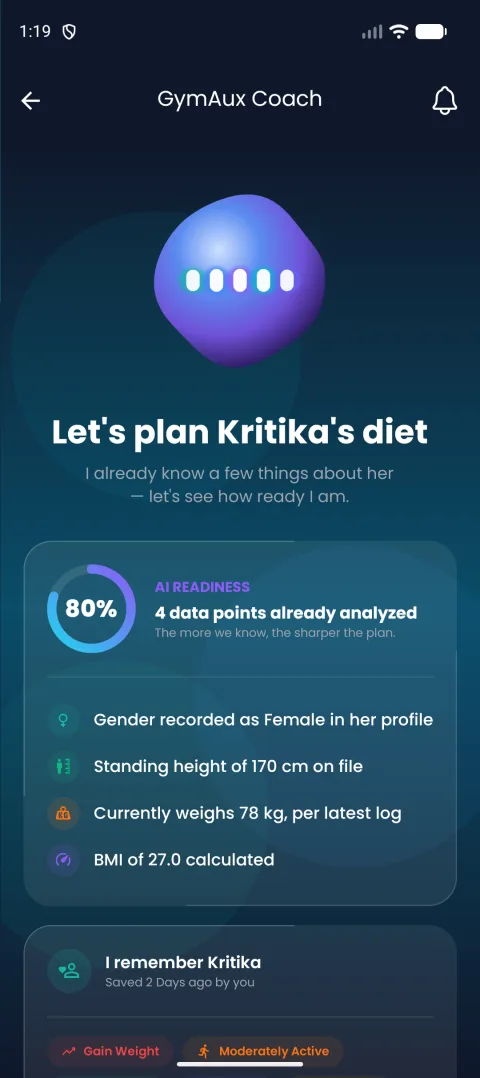
The Coach home screen, ready to build a plan.
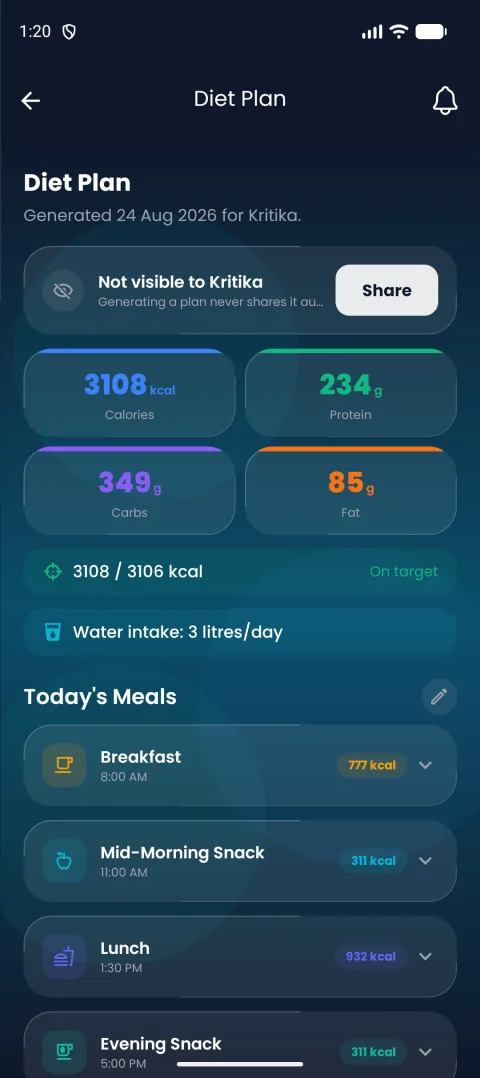
A full personalized plan, generated in seconds.
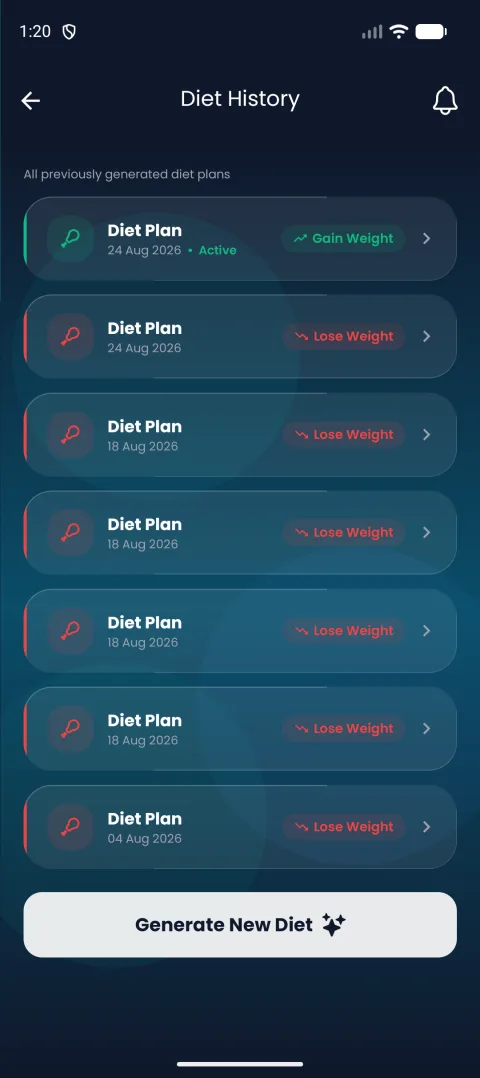
Every plan you've generated for a member, on record.
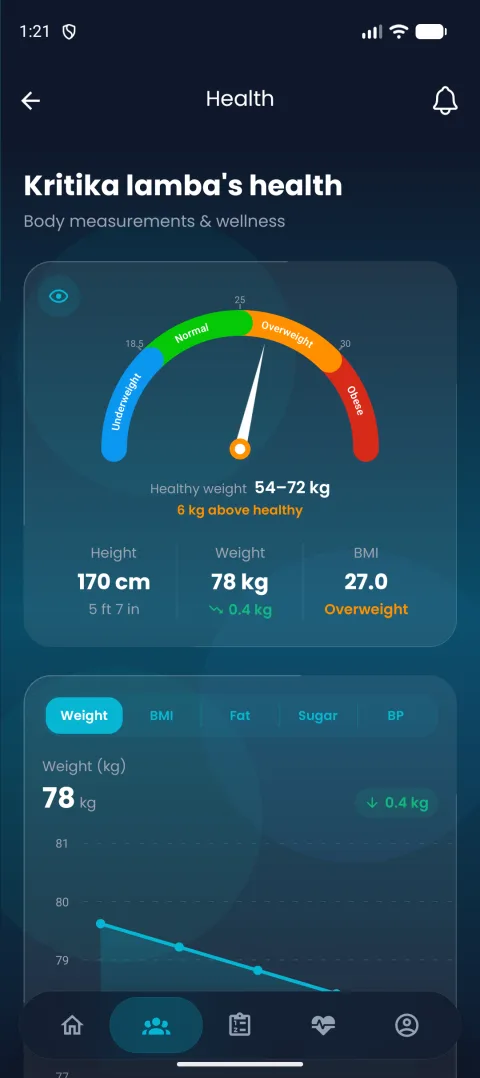
Log a member's stats between sets.
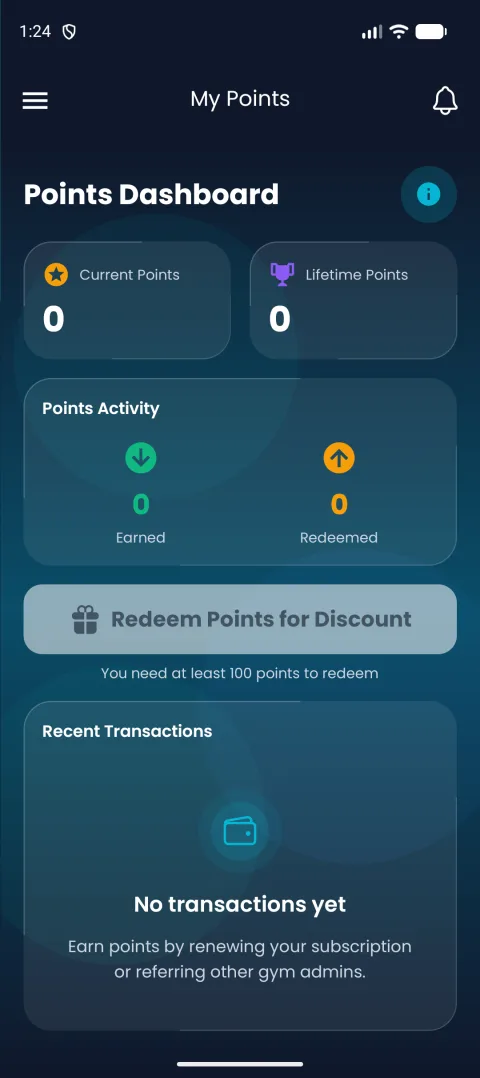
See the points you have earned from your phone.
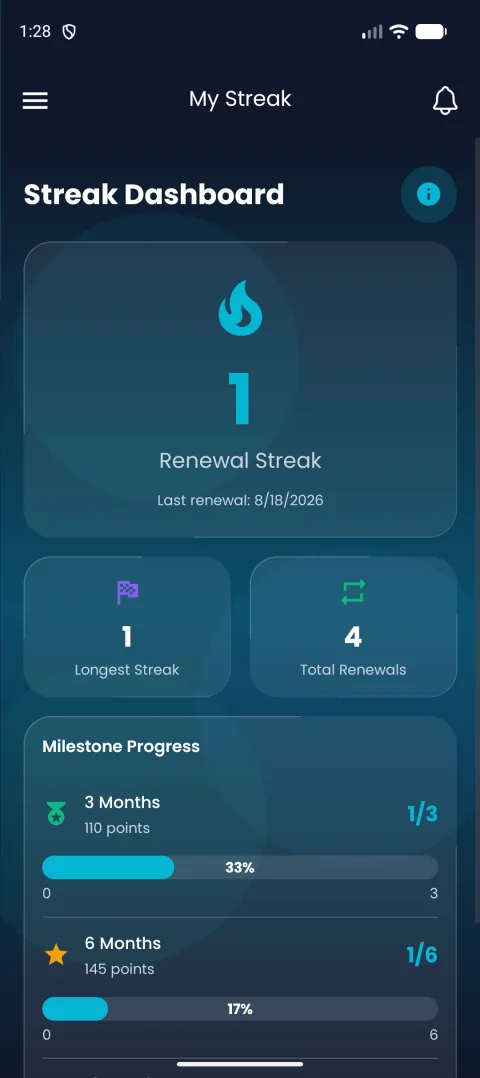
Your subscription streak at a glance.
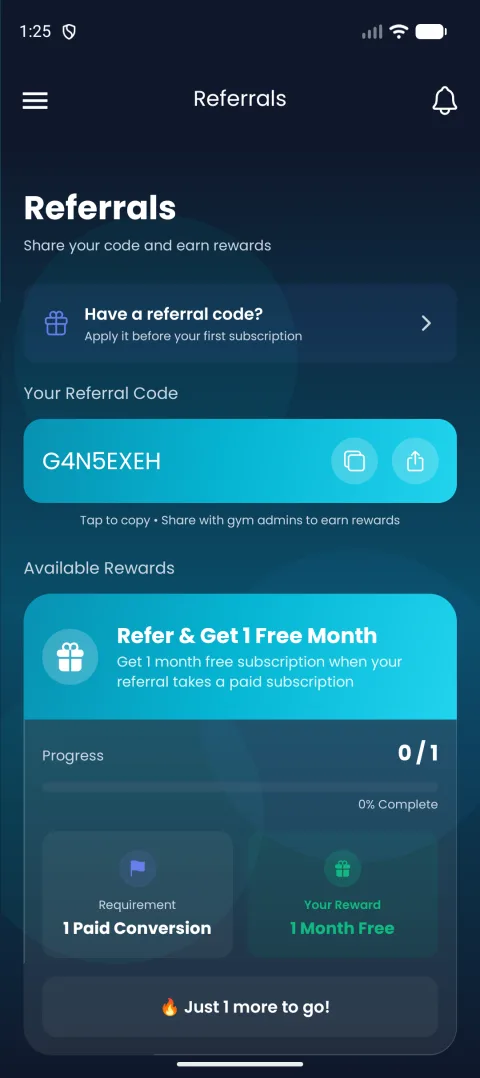
Refer other gym owners on the go.
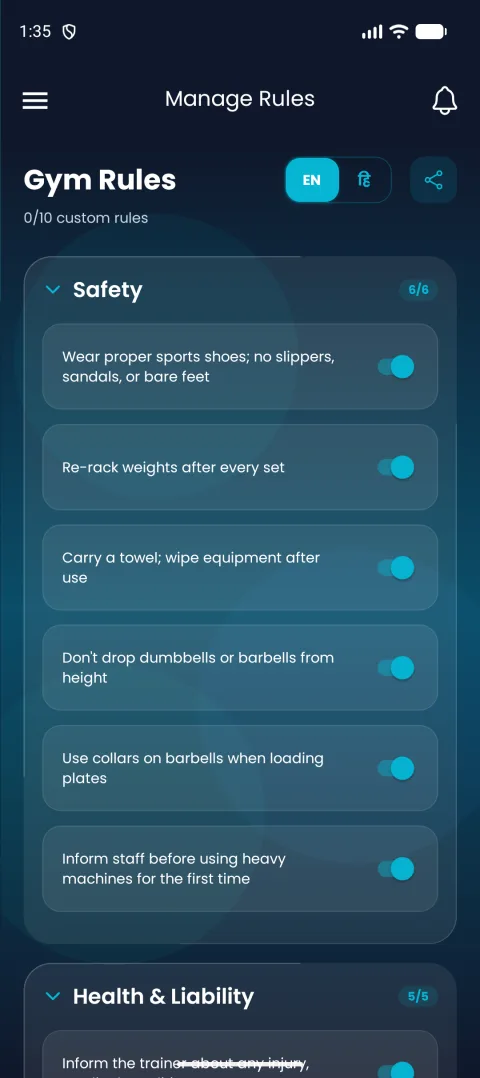
Update your published rules anytime.
What it's like to use GymAux day to day, in the mobile app.
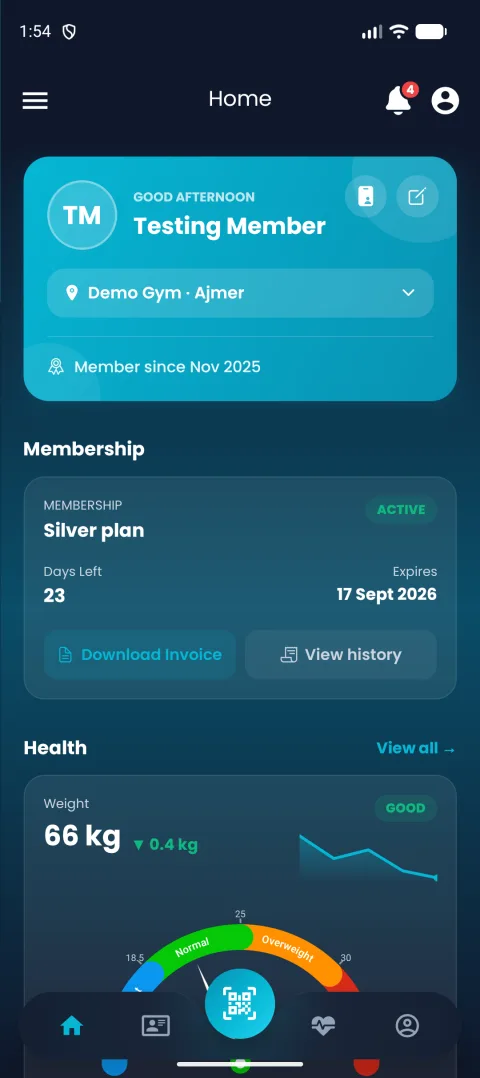
BMI gauge and health trends, front and center.
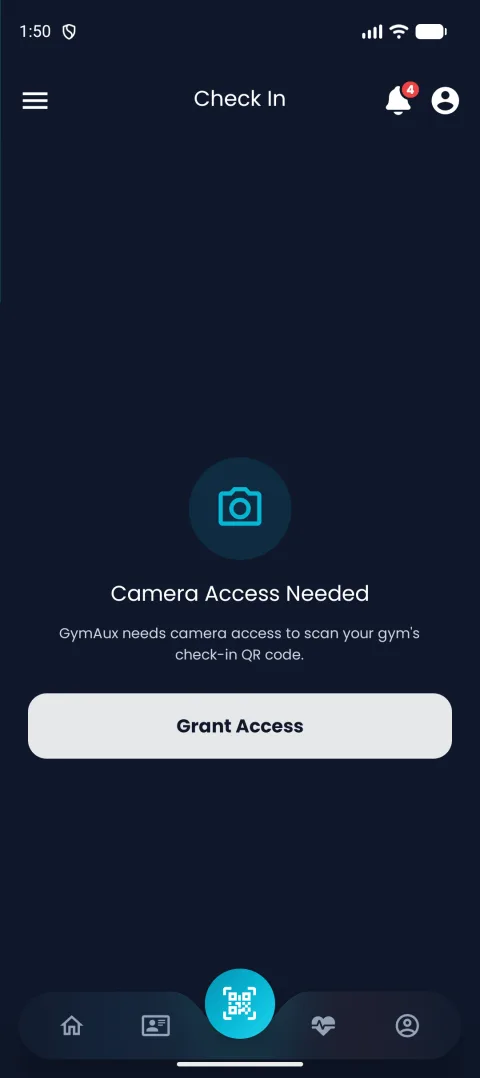
One scan at the gym door, that's it.
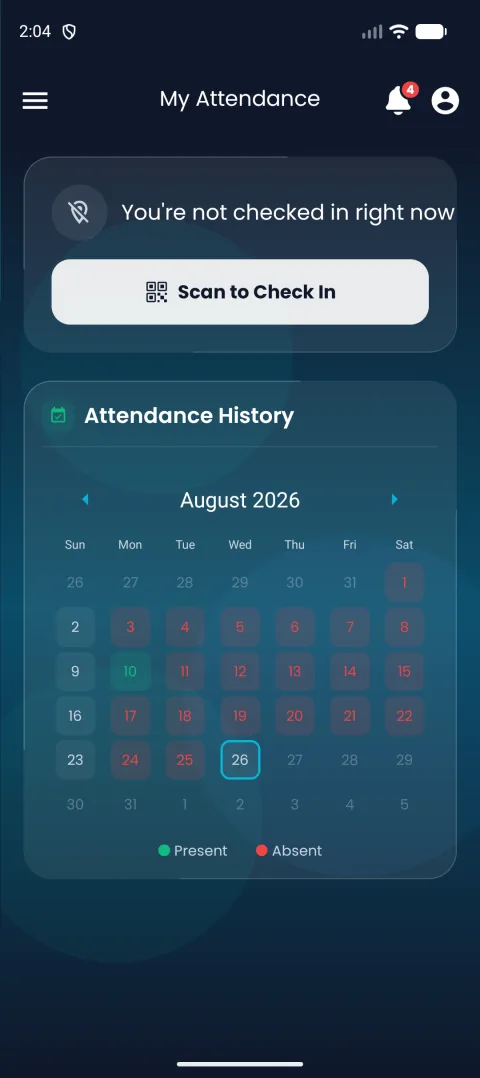
A full calendar of every visit.
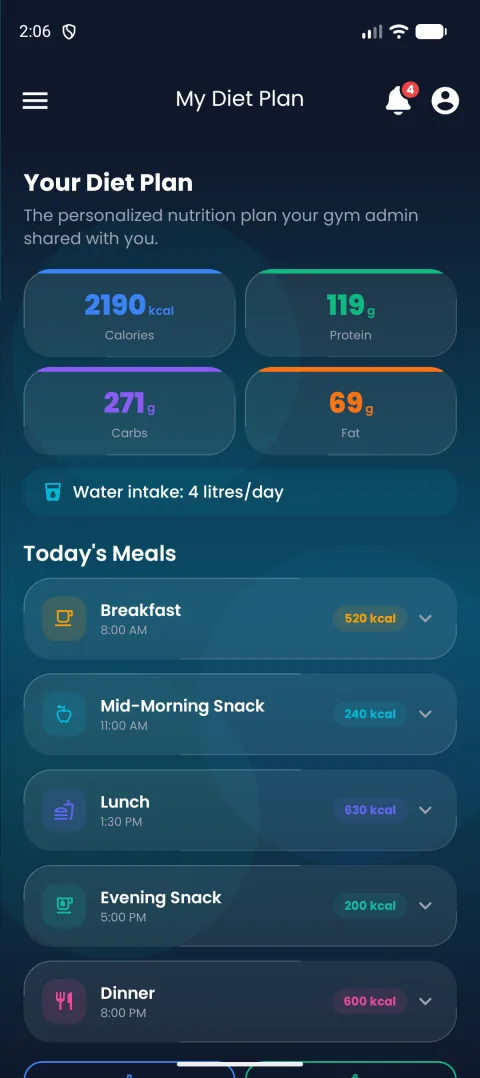
The personalized nutrition plan their gym admin shared.
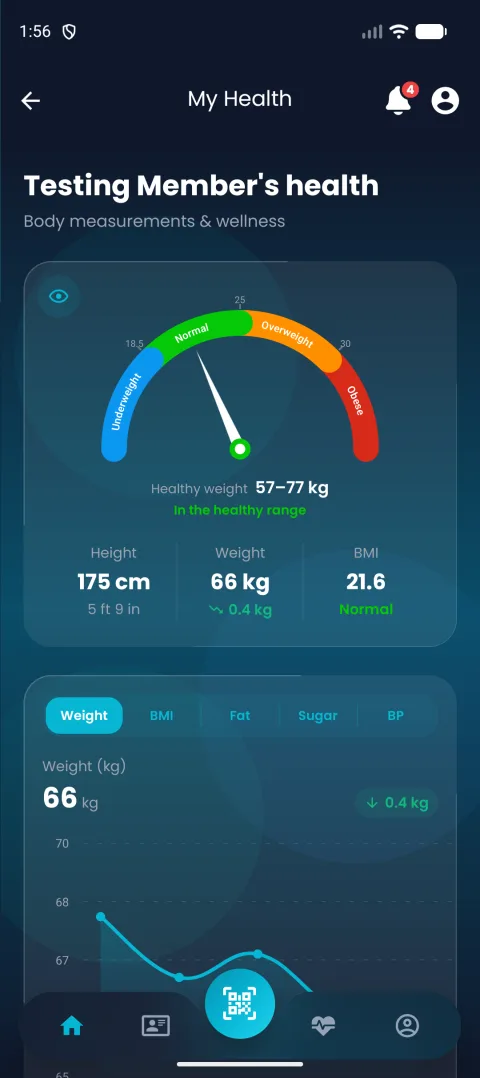
Weight, BMI, body fat — tracked with a wellness score.
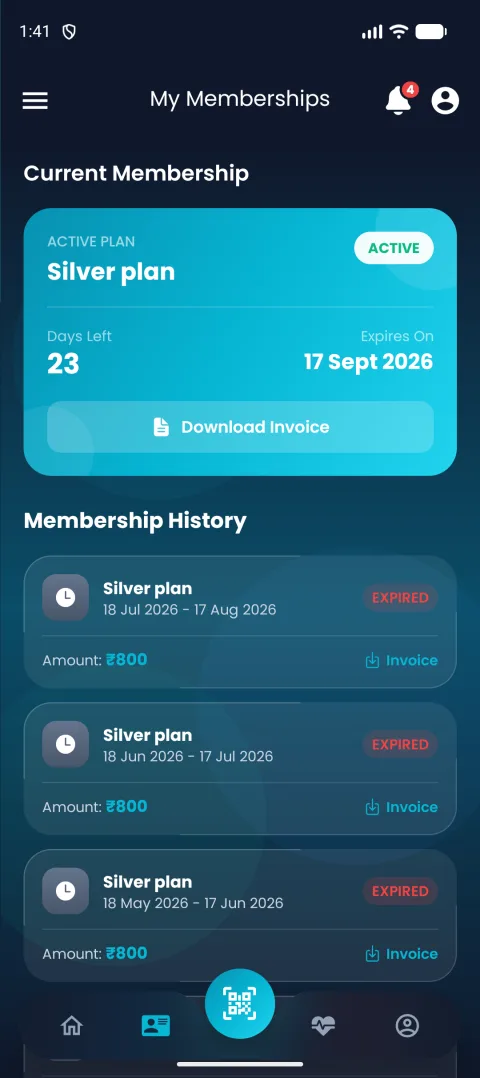
Plan, validity, and renewal all in one view.
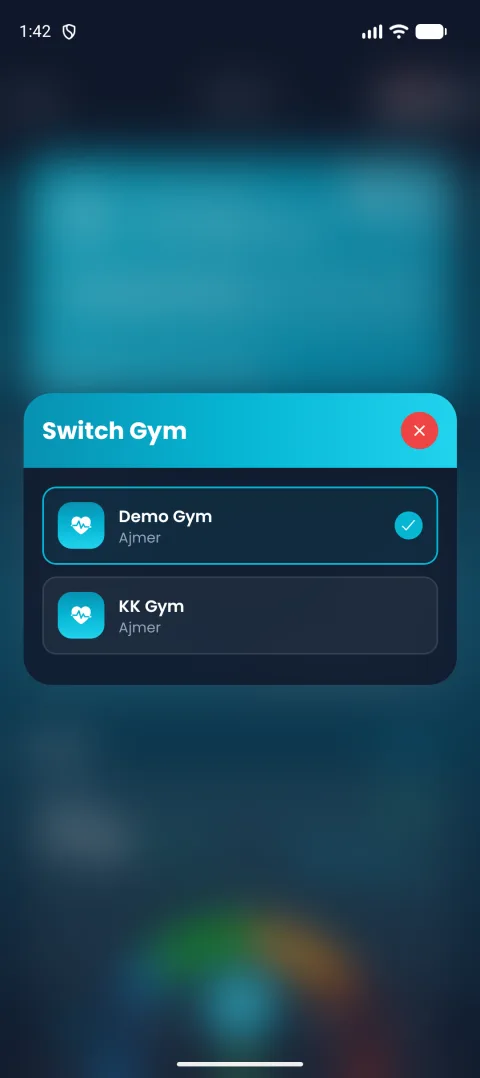
Train at more than one GymAux gym? Switch in a tap.
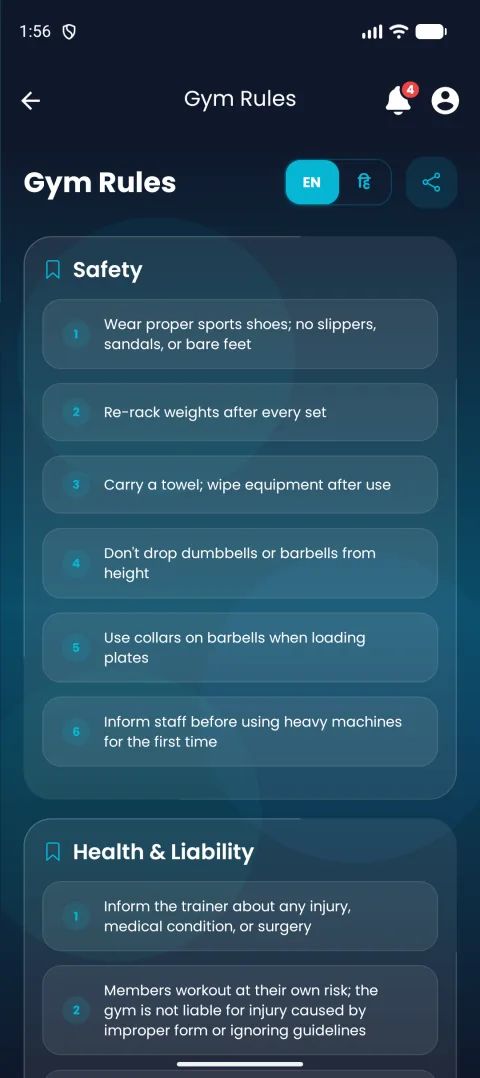
Whatever their gym has published, always on hand.
If your gym has assigned you a trainer, their name and your training period are on your dashboard.